
TL;DR
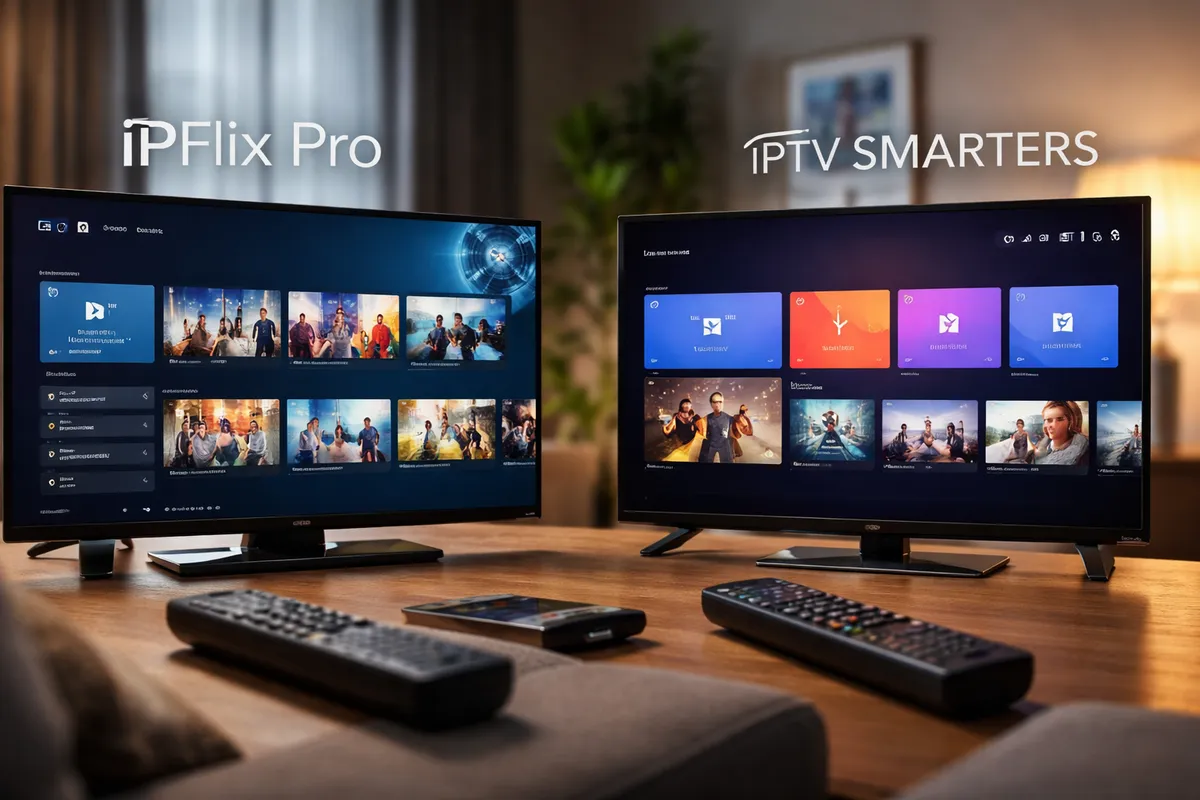
If you want a TV-first IPTV experience with fast setup, QR onboarding, and a remote-optimized interface, IPFlix Pro is the better choice in 2026. IPTV Smarters remains a flexible and widely supported option, but it often feels more mobile-adapted than TV-native. For Android TV users who care about speed, usability, and household profiles, IPFlix Pro has a clear edge.
What Is IPFlix Pro?
IPFlix Pro Player is a high-performance IPTV player built specifically for Android TV, Fire TV Stick, and Google TV. It supports M3U, M3U8, and Xtream Codes API playlists and focuses on what many IPTV users actually struggle with: setup complexity and TV navigation.
Key characteristics include:
- Native support for M3U and Xtream playlists
- 4K HDR playback support
- Multiple user profiles with PIN and kids mode
- QR code playlist onboarding
- Remote-friendly interface designed for large screens
- Fast channel switching optimized for Live TV
Importantly, IPFlix Pro does not provide content. It is a media player. You bring your own playlist. The app focuses on performance, organization, and ease of use.
What Is IPTV Smarters?
IPTV Smarters is one of the most widely known IPTV player applications. It supports M3U playlists and Xtream Codes API and is available on multiple platforms, including Android, iOS, Smart TVs, and more.
It is often used by IPTV providers who rebrand it under their own names. This has made it popular and recognizable. However, popularity does not automatically mean the best experience, especially on Android TV.
IPTV Smarters typically offers:
- Live TV, Movies, and Series sections
- M3U and Xtream login
- EPG support
- Multi-screen on some versions
- Cross-platform availability
Its strength is broad compatibility. Its weakness, depending on the version, is inconsistent TV optimization.
Feature Comparison: IPFlix Pro vs IPTV Smarters
Below is a direct comparison of core IPTV player features in 2026.
| Feature | IPFlix Pro | IPTV Smarters |
|---|---|---|
| M3U / M3U8 Support | Yes | Yes |
| Xtream Codes API | Yes | Yes |
| 4K HDR Playback | Yes | Limited / device dependent |
| QR Code Playlist Setup | Yes | No |
| TV-First UI Design | Yes | Partially |
| Multiple Profiles | Yes | Limited |
| Kids Mode with PIN | Yes | Not consistently available |
| Fast Channel Switching | Optimized for Live TV | Varies by build |
| Fire TV / Google TV Optimization | Yes | Yes |
| Community-Driven Roadmap | Yes | No public roadmap |
On paper, both players support the core formats. The difference becomes visible in user experience, especially on large-screen devices.
Setup Experience: QR Code vs Manual Entry
This is where IPFlix Pro clearly differentiates itself.
With IPTV Smarters, most users either:
- Manually enter long M3U URLs using a remote.
- Enter server, username, and password through an on-screen keyboard.
Entering complex URLs with a TV remote is slow and error-prone. Even a small typo can break the connection.
IPFlix Pro introduces QR onboarding. Instead of typing long playlist URLs:
- You scan a QR code.
- The playlist imports instantly.
- No manual URL typing required.
For Android TV IPTV player users, this removes one of the biggest pain points. The difference in setup time can be significant, especially for non-technical household members.
For a deeper breakdown of QR onboarding benefits, see the case study: From Manual Entry to QR Setup: Real User Results.
Performance and Playback Quality
Performance depends on three factors:
- Device capability
- Playlist quality
- App optimization
IPFlix Pro is designed around fast channel switching and optimized Live TV playback. Bulk EPG loading and improved buffering logic help reduce blank screens and waiting times.
IPTV Smarters performance varies depending on the version and whether it is a rebranded provider build. Some builds are smooth. Others feel heavy or less responsive on lower-end Android TV hardware.
In terms of 4K HDR playback, IPFlix Pro explicitly supports high-quality playback formats on compatible devices. IPTV Smarters supports high resolution, but HDR handling may vary depending on the device and app version.
For users with large 4K TVs, consistent playback quality matters more in 2026 than it did a few years ago.
Profiles, Parental Controls, and Family Use
Modern IPTV households are not single-user environments.
IPFlix Pro includes:
- Multiple profiles
- PIN protection
- Kids mode
This makes it suitable for family environments. Parents can separate adult content from children’s viewing areas and organize playlists per user.
IPTV Smarters supports multi-user login in some versions, but profile-based household management is not always implemented in a structured, TV-native way.
If your IPTV usage is shared across a family, profile management becomes more important than you might expect.
Pricing Comparison
Pricing varies depending on platform and version.
| Pricing Model | IPFlix Pro | IPTV Smarters |
|---|---|---|
| Base Version | Free (beta) | Free / Provider bundled |
| Premium Version | Planned / evolving | One-time or subscription depending on platform |
| Rebranded Provider Version | No | Common |
As of 2026, IPFlix Pro is available in beta and free to test. IPTV Smarters may be free, bundled by a provider, or require payment depending on where you download it.
Cost alone should not drive the decision. Setup speed, interface clarity, and playback stability matter more over time.
Pros and Cons
IPFlix Pro
Pros
- TV-first design
- QR code onboarding
- Fast Live TV switching
- Multiple profiles and kids mode
- Clear development roadmap
Cons
- Android TV focused
- Still evolving as a growing platform
IPTV Smarters
Pros
- Widely recognized
- Multi-platform availability
- Often bundled by providers
Cons
- Manual setup friction
- UI not always optimized for TV navigation
- Inconsistent performance across builds
Final Verdict: Which IPTV Player Is Better in 2026?
When comparing IPFlix Pro vs IPTV Smarters, the better option depends on what you value.
Choose IPTV Smarters if:
- Your IPTV provider specifically recommends it.
- You need cross-platform support beyond Android TV.
Choose IPFlix Pro if:
- You primarily use Android TV, Fire TV Stick, or Google TV.
- You want fast, QR-based setup.
- You care about remote-friendly navigation.
- You need household profiles and kids mode.
In 2026, IPTV users expect speed, clarity, and simplicity. For Android TV environments, IPFlix Pro is built around those expectations rather than retrofitted from mobile-first design.
If you want to test it yourself:
FAQ
Is IPFlix Pro an IPTV service?
No. IPFlix Pro is a media player. It does not provide channels or content. Users must supply their own M3U or Xtream playlist.
Does IPTV Smarters provide content?
No. IPTV Smarters is also a media player. It connects to IPTV services but does not include content itself.
Which IPTV player is better for Android TV?
For Android TV specifically, IPFlix Pro offers a more TV-focused interface and QR onboarding. IPTV Smarters works, but it may feel less optimized for remote-based navigation.
Can I use both apps on the same device?
Yes. Both apps can be installed on compatible Android TV devices, allowing you to compare performance and interface directly.
Is IPFlix Pro free?
As of 2026, IPFlix Pro is available in beta and free to test. Future pricing may evolve as new features are added.
Written by
IPFlix Team
Development Team
The team behind IPFlix Pro Player — building the fastest, most reliable IPTV player for Android TV, Firestick, and Google TV. With deep expertise in IPTV protocols, ExoPlayer, and Android TV development, we focus on delivering a seamless streaming experience with sub-second channel switching, 4K HDR support, and rock-solid stability.
IPFlix Pro Player is a media player only. It does not provide or host any content. Users must provide their own playlists.
Get IPFlix Pro Player